19 August 2026
Importing a Product from a URL into PrestaShop: Which Method to Use
You have the URL of a product on your supplier's site. There are several ways to get it into PrestaShop. Here's an honest comparison.
You found a product on your supplier's site. You have the URL. You want the listing in PrestaShop.
From there, you have a few options. Some you already know, others less so. Here's an honest look at what each one is actually worth.
The manual method: two tabs and a lot of patience
You open the supplier page on one side, your PrestaShop back office on the other. You copy the title, adapt the description, download images one by one, fill in the price, stock, and variants.
It works. It takes between 15 and 25 minutes per product depending on how complex the listing is. At 5 products a week, that's 1.5 to 2 hours of repetitive work, every week.
Upside no tool to install, no subscription, no dependency.
Downside it's pure human time, and it doesn't scale.
CSV import: great if you already have the data
PrestaShop natively supports importing products from a CSV file. It's powerful for bulk catalog imports when your supplier actually delivers data in a structured file.
But if your starting point is a product URL on a website, you don't have a CSV. You'd first need to extract the data, format it correctly, then import. That means an extra step that either requires an extraction tool or brings you back to doing it manually anyway.
Upside native PrestaShop feature, free, scales well for large volumes.
Downside doesn't solve the "I have a URL" problem: you still need to produce the CSV first.
PrestaShop import modules
On the Addons marketplace, there are modules that claim to import product listings from an external URL. They work in different ways: some are built for specific platforms (Amazon, AliExpress, Cdiscount), others are more generic.
Before buying, some questions worth asking:
- Does the module work with your specific supplier's site?
- Does it handle product variants correctly?
- Does it import images, or just text data?
- Is the imported description rewritten, or just copied as-is?
Most generic modules import the raw structure of the page. You get the data, but not a rewritten listing ready for your customers. You still have duplicate content to clean up.
Platform-specific modules (Amazon, AliExpress) don't help if your supplier is a B2B distributor with their own site.
Upside some are one-time purchases with no monthly subscription.
Downside limited compatibility, no AI rewriting, maintenance quality varies by publisher.
Browser extension with AI rewriting
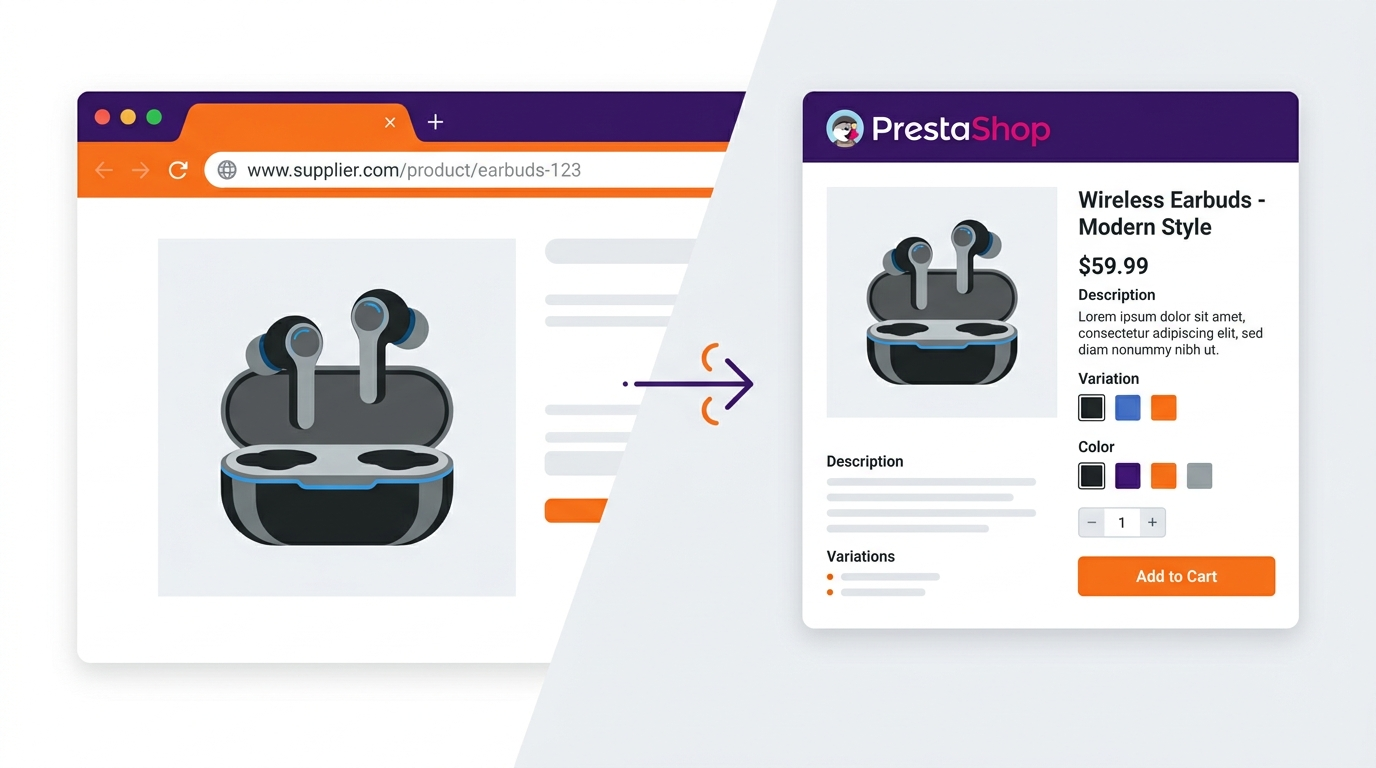
This approach is different from the others: instead of transferring raw data, you capture a listing directly from the browser and the tool generates a complete, ready-to-publish product page.
With KoyaSync: you're on your supplier's product page, you activate the extension in your browser, the tool analyzes the page, rewrites the description with AI in your brand voice and for your customers, processes the images, and pushes everything into PrestaShop. You never leave the supplier page. You don't open the back office, you don't create an empty listing, you don't download images.
Timed on a standard product: under a minute. There's a live demo in our article on creating a product listing in under a minute.
This approach is especially useful when your suppliers have their own B2B sites (no matching PrestaShop module available) and when you need a unique listing, not a copy.
Upside fast, built-in AI rewriting, works on most supplier sites.
Downside monthly subscription, requires a Chrome extension.
Which method fits which situation
| Situation | Recommended method |
|---|---|
| Very occasional imports (1-2 products a month) | Manual |
| Supplier delivers a full CSV catalog | Native PrestaShop CSV import |
| Supplier on Amazon or AliExpress | Platform-specific Addons module |
| B2B supplier with their own site | Browser extension like KoyaSync |
| Regular volume (5+ products per week) | Browser extension: the time savings compound fast |
The manual method still makes sense for very occasional use. Beyond a few products per week, it costs more time than it saves.
If your supplier has a specific B2B site and you want a rewritten listing (not a copy), a browser extension is the only option that covers both needs at once.
Ready to create product listings in under a minute?
Try KoyaSync on your own catalog. Import, AI rewriting, PrestaShop publishing in seconds.
Try for free →