10 June 2026
Creating a PrestaShop Product Listing in Under One Minute: Is It Really Possible?
15 to 20 minutes per listing, even with ChatGPT. We figured out how to get under a minute. And it works. Here's how.
15 to 20 minutes. That's how long it takes most e-commerce merchants to create a proper PrestaShop product listing. Not an exceptional one, a proper one. Reworked title, rewritten description, imported and cropped images, assigned category, filled-in variants.
If you run an active catalog, that easily adds up to several hours a week spent on a task that doesn't directly generate revenue.
Why It Takes So Long
The problem isn't the writing. Even with ChatGPT to speed things up, the workflow looks like this:
- Find the product on the supplier's website
- Open a PrestaShop tab, create an empty listing
- Copy the title, adapt it
- Copy the description, run it through ChatGPT, proofread, adjust
- Download images one by one
- Crop or optimize them
- Fill in price, stock, variants
- Assign the category
- Check SEO fields
- Save, preview, fix
Ten steps for a single product. Then do it again for the next one.
The question isn't "can we go faster with a better writing tool?". It's "can we compress the entire workflow?"
What Changes the Equation
The classic approach is to improve each step separately: one tool for writing, one module for importing, another for images. The result: several tools, several subscriptions, and just as much manual coordination between them.
What allows you to get under a minute is making most of those steps disappear, not optimizing them one by one.
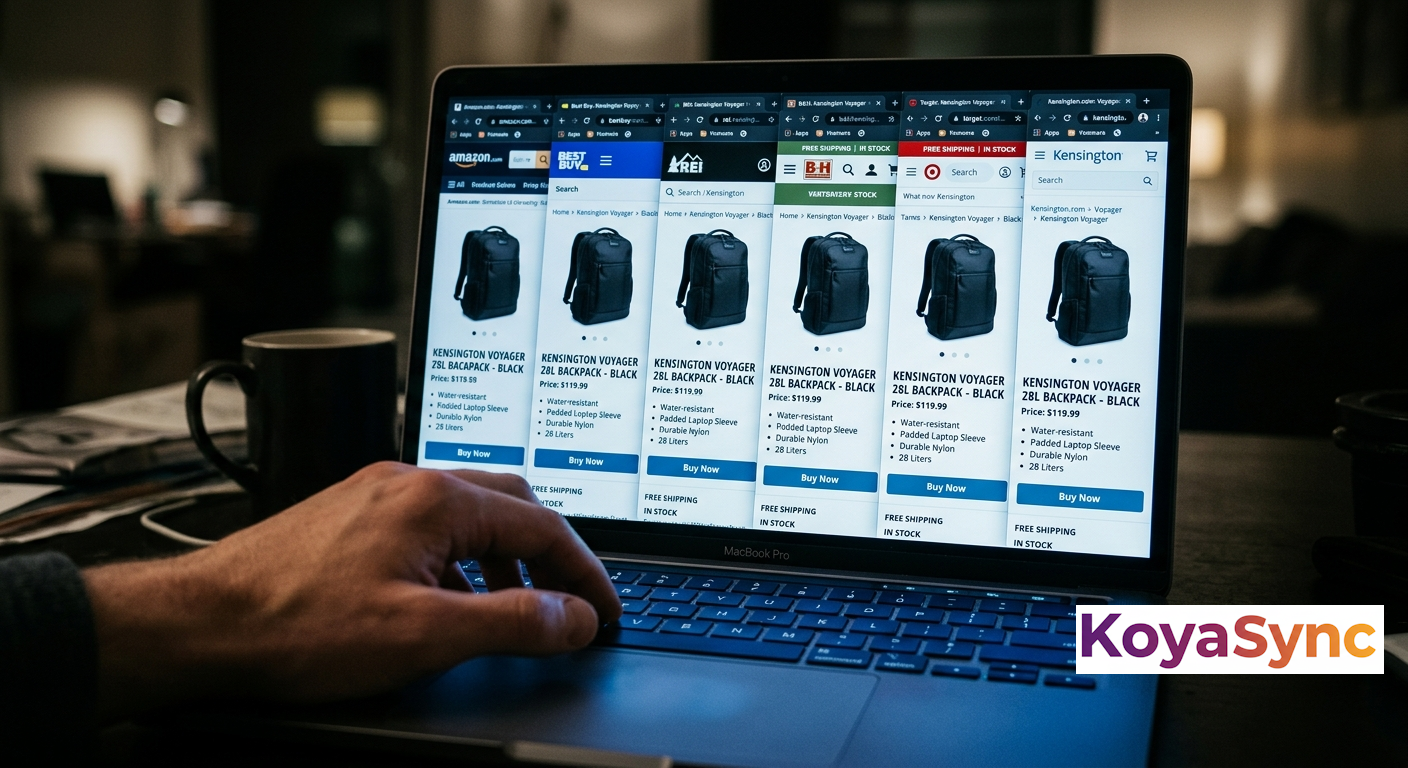
The principle: you're on your supplier's product page. You click a browser extension. The tool analyzes the page, extracts the product information, generates an AI-rewritten listing in your language and tone, processes the images, and pushes everything directly into your PrestaShop.
You never leave the supplier's page. You create nothing manually. You review, you confirm, it's published.
In Practice: 47 Seconds
Here's what it looks like with KoyaSync:
- You browse your supplier's "New Arrivals" page
- A product catches your eye: you click the extension icon in your browser
- KoyaSync analyzes the page in a few seconds
- A listing appears: optimized title, rewritten description (not copy-pasted), extracted and processed images
- You take a quick look, adjust if needed
- One click and the listing is in your PrestaShop
Real time on a standard product: 47 seconds.
What It Is, and What It Isn't
An important clarification: this is not automatic catalog synchronization. KoyaSync doesn't continuously monitor your suppliers to import everything new.
It's conscious cherry-picking. You choose which product to add: the tool handles the execution. You keep editorial control over your catalog, without the manual work that comes with it.
This is a deliberate choice. Automatically importing everything a supplier publishes is the best way to end up with duplicate content, low-value listings, and a catalog that looks identical to every competitor sourcing from the same place.
The Impact on an Active Catalog
If you create 20 product listings per month (reasonable for a growing store), the difference between 15 minutes and 47 seconds means roughly 4.5 hours recovered every month. Over a year, that's more than 50 hours.
Time that can go toward prospecting, optimizing existing pages, or simply anything else.
Ready to create product listings in under a minute?
Try KoyaSync on your own catalog. Import, AI rewriting, PrestaShop publishing in seconds.
Try for free →