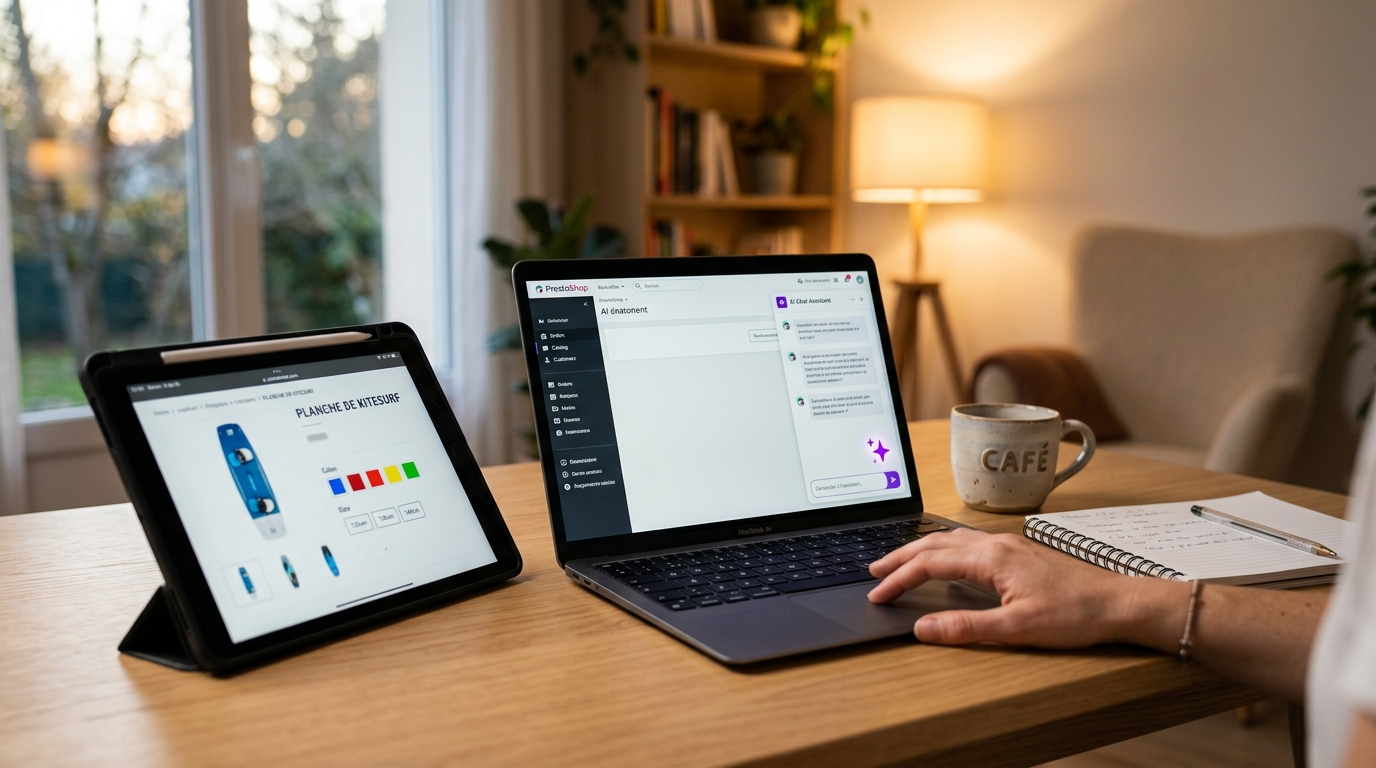
6 November 2026
PrestaShop 9 and MCP: What Changes, and What Doesn't, for Product Listings
PrestaShop 9.2 ships with Ask AI, and the official MCP server lets you run your store from ChatGPT or Claude. Do you still need a tool to create product listings? What AI can do inside your store, and what it won't fetch from anywhere else.
You're preparing your move to PrestaShop 9, or your agency is pitching it to you. It comes with a promise: soon, an AI plugged into your store will do the work for you. So before spending time on a tool for your product listings, it's a fair question: won't PrestaShop 9 just do it on its own?
Two stores asked us exactly that in the last few weeks, almost word for word. One is in the middle of its migration, the other has its agency building an MCP server. Here's the answer, separating what PrestaShop 9 actually does from what people assume it does.
What PrestaShop 9 actually brings
PrestaShop 9.0, released in 2025, is first and foremost a new foundation: Symfony 6.4, a new theme (Hummingbird) and above all a new Admin API, more modern than the old webservice, designed for connecting other tools to the store. Version 9.1 followed with Hummingbird 2.0.
Version 9.2, released at the end of September 2026, is the first to put AI directly in the back office. It ships with Ask AI, an assistant you can ask questions about your store in plain language, and that can act on it after asking for your approval. It also adds custom fields on products and combinations.
What doesn't change: creating a listing by hand. Typing the title, pasting the description, uploading photos, creating combinations, filling in EANs. On that front, PrestaShop 9 looks a lot like PrestaShop 8.
MCP, in plain terms
MCP (Model Context Protocol) is an open standard, launched at the end of 2024, that lets an AI such as ChatGPT, Claude or Gemini use external tools. Applied to PrestaShop, it means that instead of answering "here's how to change your price", the AI changes the price itself.
PrestaShop publishes its own module, PrestaShop MCP Server, free and out of beta this year. It runs on PrestaShop 8 as well as 9, and it's what powers Ask AI. Its built-in tools cover products (search, creation, updates, in several languages), images (adding from a public URL, setting the cover photo), checking stock and combinations, orders and customers. Other modules can add their own tools, which is what some agencies do with custom development.
| Upsides | Downsides |
|---|---|
| Run the store in plain language, without hunting for the right menu | You need your own AI provider: a ChatGPT or Claude subscription, or a pay-per-use API key for Ask AI |
| Very effective on repetitive operations: prices, promotions, order statuses, bulk text edits | Setup required: PrestaShop Account, webservice enabled, companion modules |
| Approval before every action on the store | The AI works with what it finds in your store, not elsewhere |
What doesn't change: you still have to go and get the supplier listing
The last row of that table is the one that matters. An MCP server gives the AI hands inside your store. It doesn't give it eyes on your supplier's website.
Try it: ask Ask AI, or ChatGPT connected to your store, to create the listing for a new product from your best-selling brand in four sizes. To build a real listing, it needs the manufacturer's description, the technical specs, one photo per colour, the exact list of sizes, and an EAN and a price for each combination. None of that is in your store. That leaves two options:
- You feed it the material: you open the supplier's site, copy the text, grab the photo URLs, retype the EANs. That's exactly the copy-paste you wanted to get rid of, with one extra step.
- It guesses: the AI writes from what it knows about the product in general. The text will read smoothly, but one wrong spec or made-up EAN on a published listing is a guaranteed customer return.
Even an AI that can browse the web stumbles on real supplier pages. Combinations are often loaded after the fact by a colour × size configurator, photos change with the selected colour, EANs are buried in the page code, and trade portals require a login. A kiteboard from a major brand can easily have 26 combinations, each with its own price and EAN: the kind of listing nobody wants to dictate to an AI. And on combinations, the official module's documentation talks about checking them, not creating them.
The two work together
The right split is to let each tool do what it does well.
To fetch the supplier listing, you need a tool that goes and gets it where it lives. That's what KoyaSync does: from the supplier's product page, one click in the browser extension captures the text, photos, combinations, EANs and prices, rewrites the description with AI if you want it to, then sends the listing to PrestaShop, disabled, so you can review it before publishing. KoyaSync is tested on PrestaShop 9.1 as well as 1.6: moving to PrestaShop 9 doesn't mean changing how you work.
To run the store day to day, an MCP server or Ask AI takes over: "cut the whole winter collection by 10%", "which combinations are out of stock?", "rewrite the meta description for these twenty products". Here the AI has everything at hand, since it's all already in your store.
| Task | MCP server or Ask AI | Supplier capture tool |
|---|---|---|
| Create a complete listing from the supplier's site | Only if you feed it all the material | Yes, that's its job |
| Combinations with photos, EANs and prices | Checking only | Captured from the supplier's page |
| Change prices or run a promotion in bulk | Yes | Not its job |
| Answer a question about sales or stock | Yes | Not its job |
In short
| Question | Short answer |
|---|---|
| Does PrestaShop 9 create supplier listings on its own? | No, creating a listing by hand works the same as in version 8 |
| Are Ask AI and the MCP server useful? | Yes, for running the store: prices, promotions, stock, orders, bulk text edits |
| Can they fetch a listing from the supplier's website? | No, they work with what's already in your store |
| Should you wait for the migration to finish before sorting out your listings? | No, how you fetch a supplier listing doesn't depend on your PrestaShop version |
PrestaShop 9 and its MCP servers don't replace fetching supplier listings: they start where it ends. If you want to see the difference on your own suppliers, the KoyaSync trial lasts 30 days, no credit card required. Take a listing you usually create by hand, and compare.
Ready to create product listings in under a minute?
Try KoyaSync on your own catalog. Import, AI rewriting, publishing in seconds.
Try for free →